

Restaurants & cafés
Keep the line moving.
Ring, modify, send it to the kitchen screen, settle the tab — the register runs the whole shift, and the brain works the room while you work the counter.
Open tabs with partial and split payments
Kitchen display with a live order queue
Closeouts, shifts and payroll built in
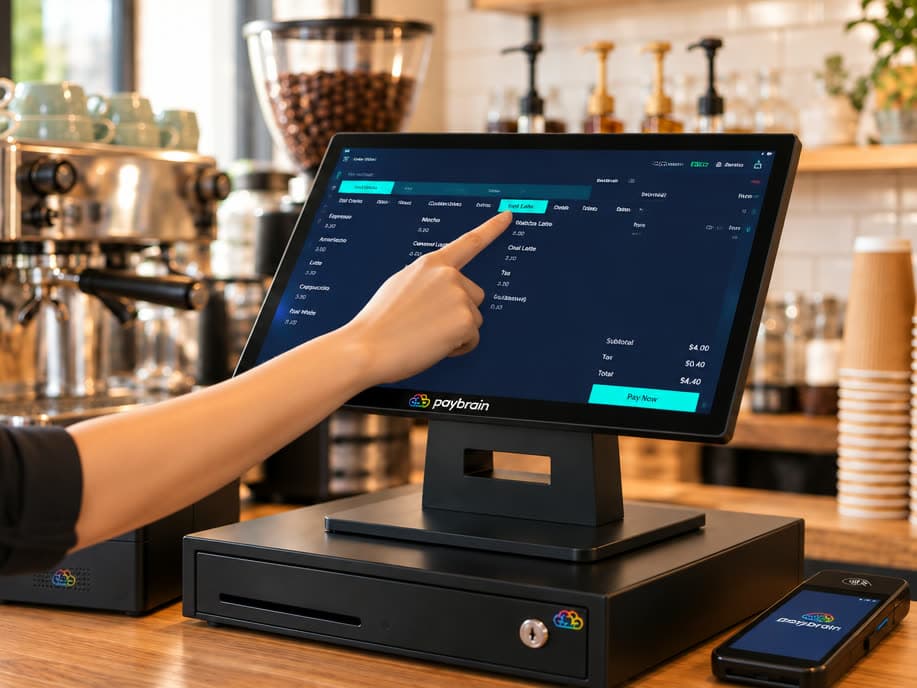
Tabs that follow the party.
Open a tab with a name — or let the register number it for the night. Take something off, split it three ways, collect a card in the middle and the rest at close. When it's time to pay, the guest taps, picks a tip and pays right on the reader.
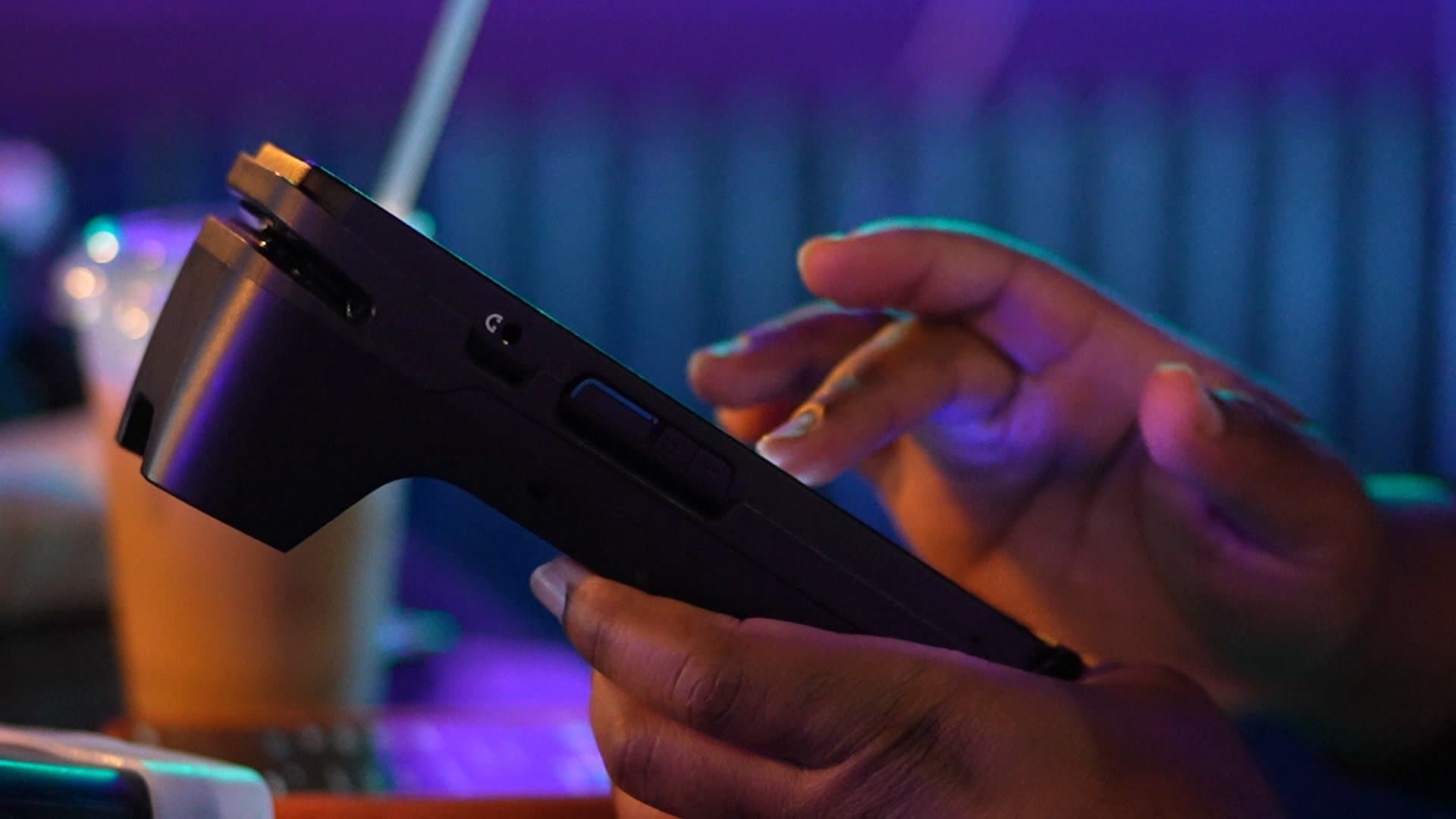
Fill the slow days.
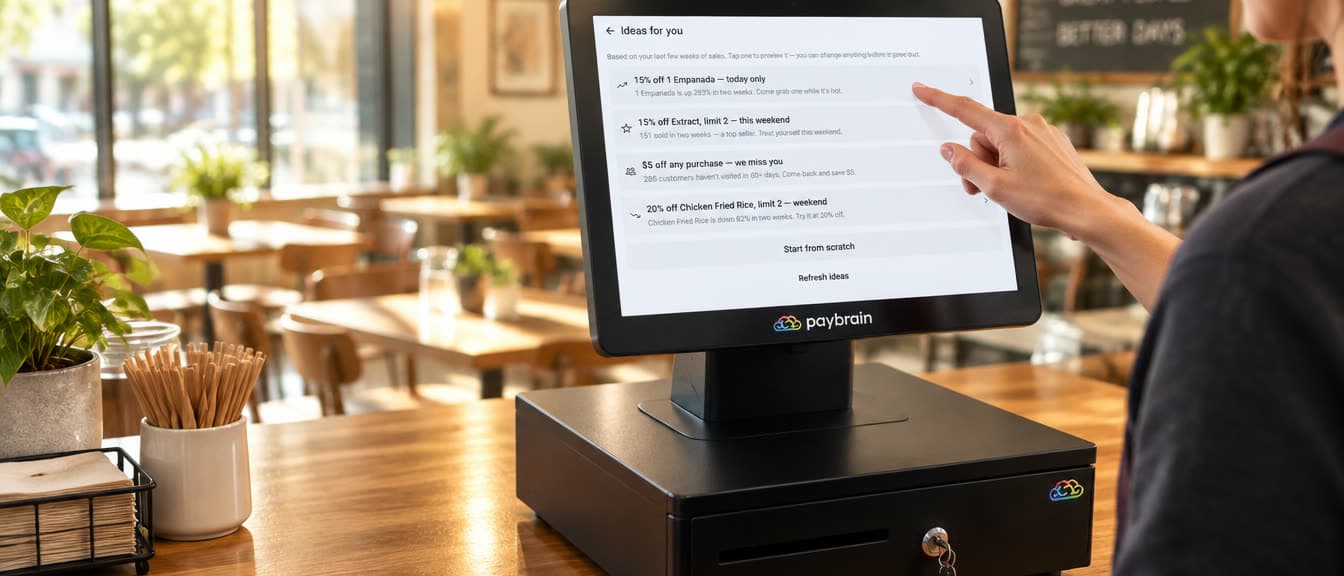
The register watches what's trending and what's slowing down, and drafts the promo for you — a real discount with the announcement already written. Three taps and the Tuesday crowd hears about it.
Smart suggestions from your own sales — risers, slow movers, win-backs
Texts go to your own list, grown at the reader
The discount applies itself at the register while the sale runs
AI inventory tracking & purchase orders
Your reorder, written before you ask.
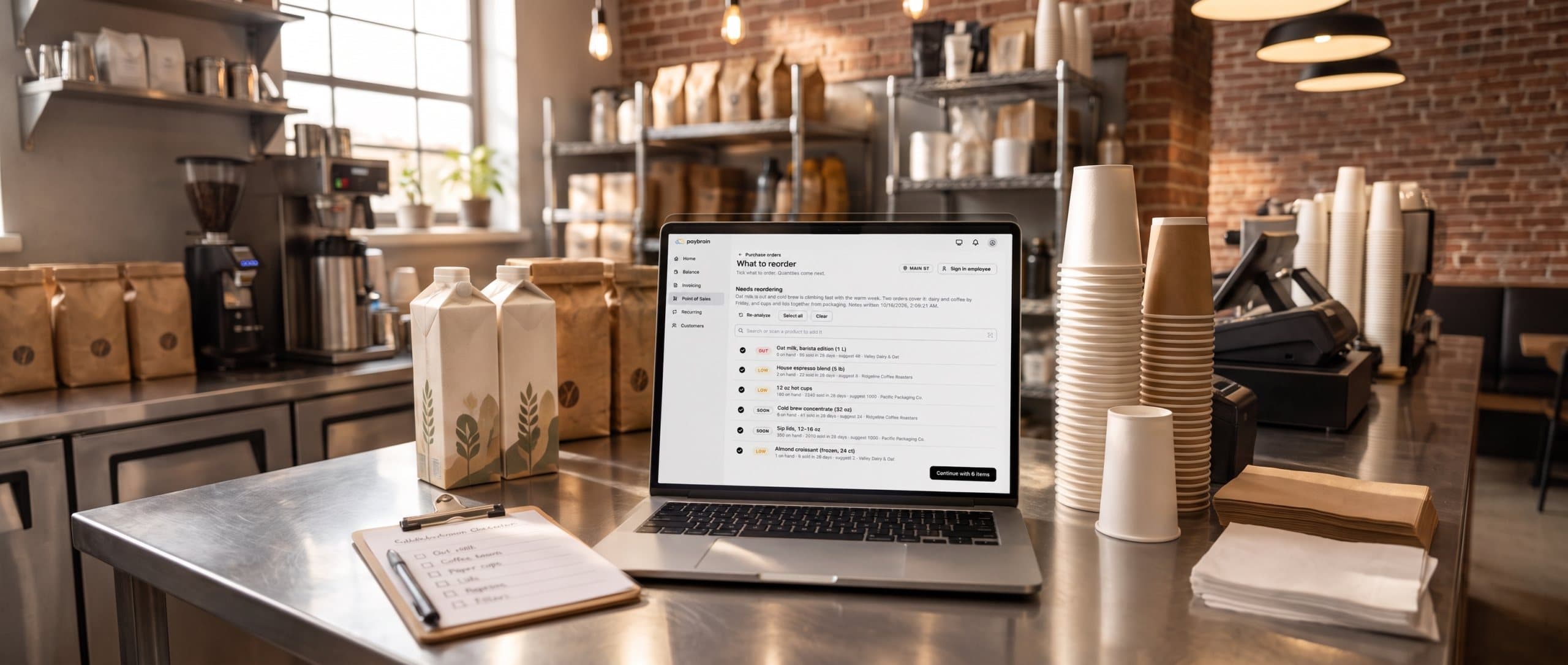
Someone usually counts the stockroom and guesses what to order. With Paybrain's AI inventory tracking, every sale counts stock down at each location, and Paybrain reads four weeks of sales against what's on hand to find what's out, low or about to run out. Then AI reads the trends, what's climbing, what's stalled, any odd spike, and sums up what to order, grouped by supplier.
Inventory tracked live at every location: each sale counts stock down, and Out, Low and Soon flags catch what's heating up
AI calls out rising sellers, dead stock and sudden spikes
Quantities from your last 28 days of sales and each supplier’s lead time: real numbers, never guessed
One order per supplier, emailed in a tap, and the delivery added straight into stock
On the web and in the Paybrain app
Regulars, on the record.
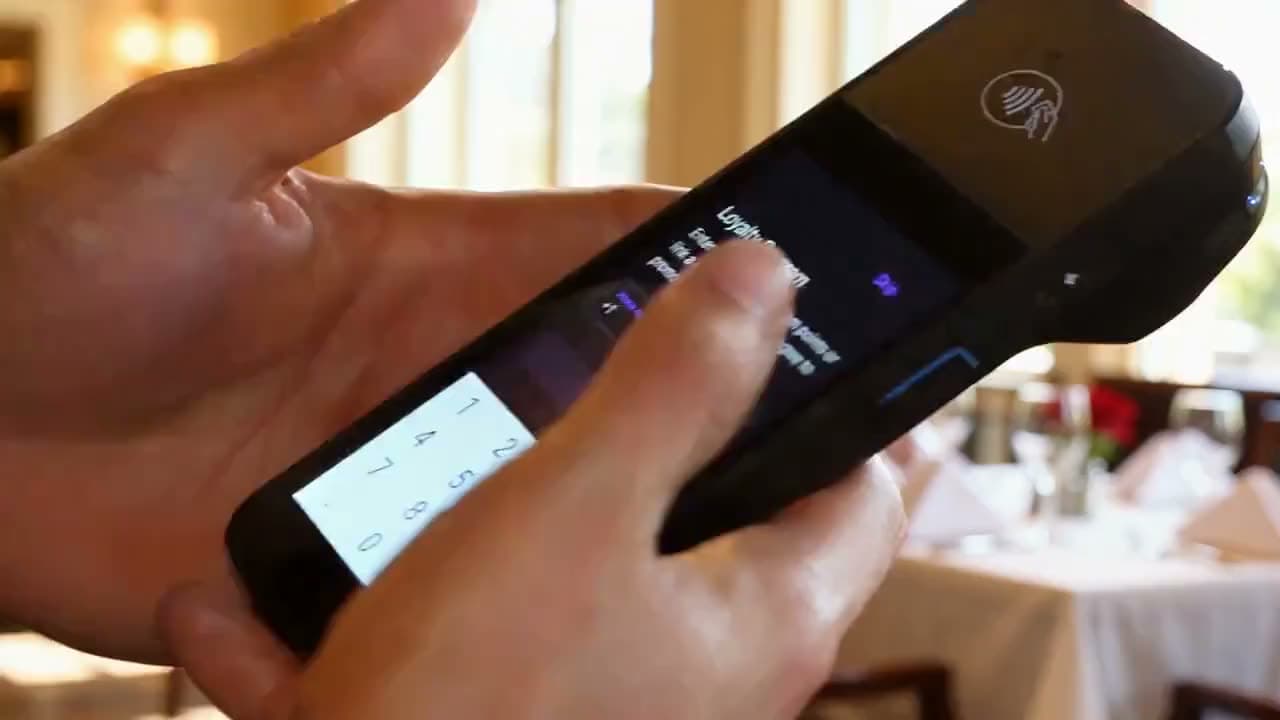
Customers join the loyalty program right on the reader while they pay — phone number in, points start counting, and the balance comes back as real dollars at checkout. No punch cards, no app to install in line.
The day closes itself.
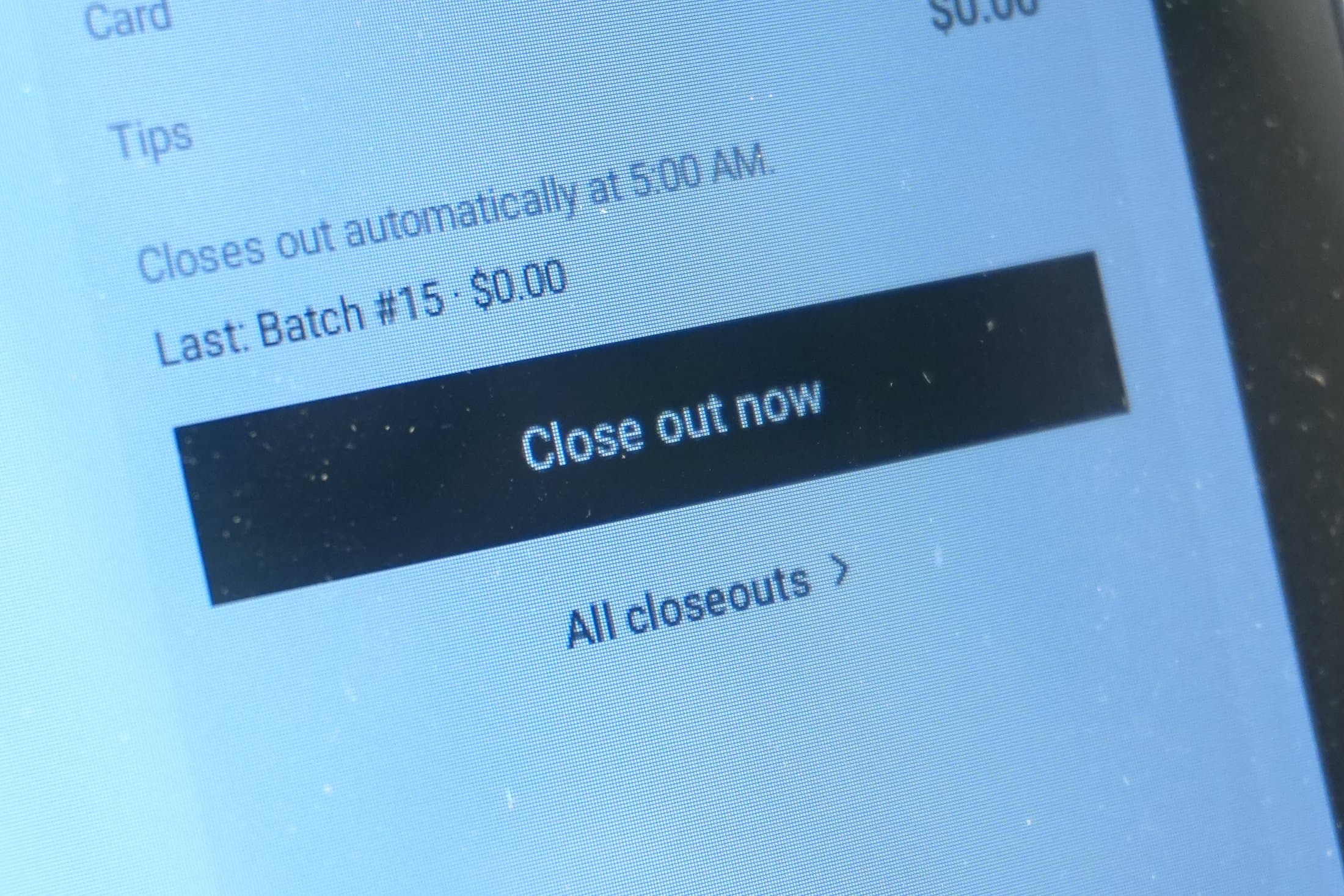
Pick your closeout time — 5:00 AM for a bar, 9:00 PM for a café — and Paybrain batches the day on its own, every day, per location. Walk in the next morning to the numbers, drawer by drawer.
Automatic closeout at the hour you choose
Time clock, breaks and shifts on the same screen
Payroll CSV export, ready for Homebase or ADP
Runs on the Paybrain Register.
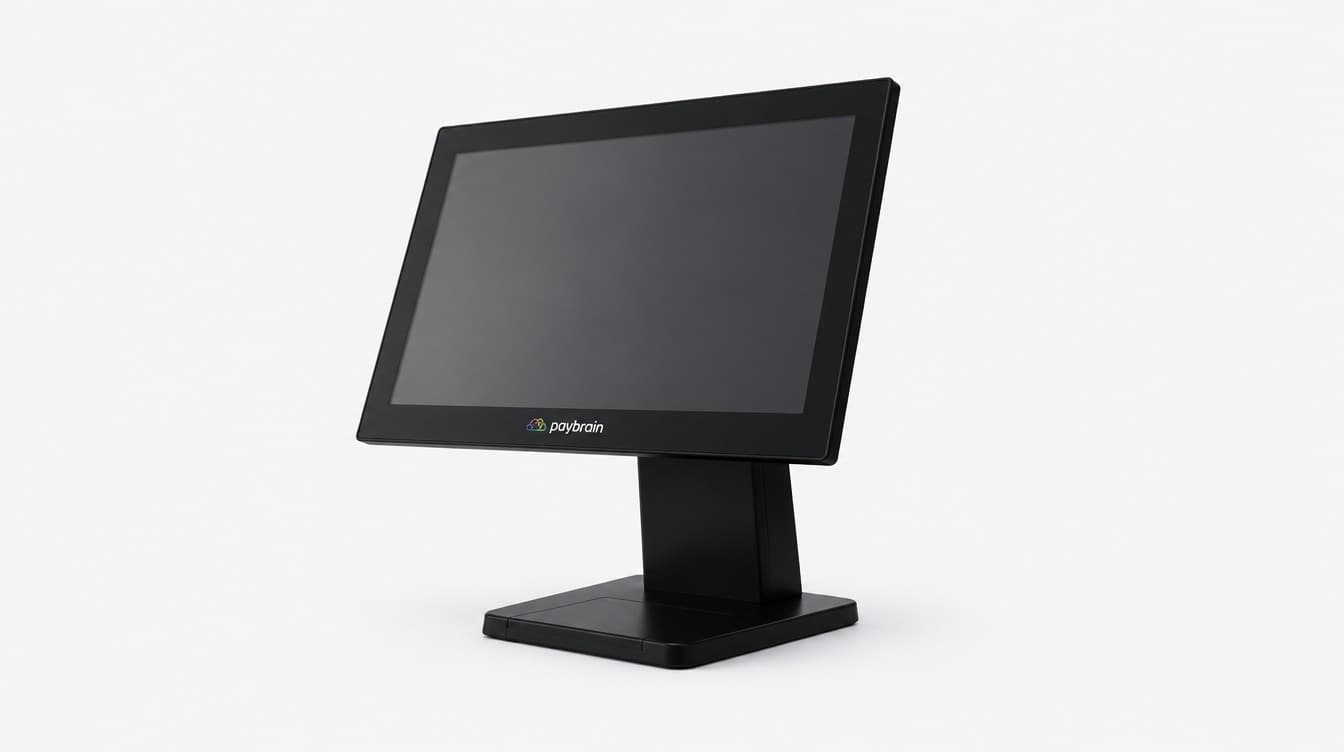
Touchscreen, drawer, printer and scanner — one kit, built for the dinner rush. $999 for the kit, card reader included — software included.
Run the counter. Keep the margin.
No monthly software fee, no contracts — buy the register once and keep the margin. Promo texts are pay-as-you-go.